2-in-1 vs Ultrabook
You’re stuck between a 2-in-1’s “laptop-to-tablet” flexibility and an ultrabook’s sleek, powerful reliability. Here’s the harsh truth: 80% of users pick based on trends, not how they actually work. The choice boils down to this—do you need “creative flexibility” (tablet mode for notes/sketches) or “professional stability” (sustained performance for heavy tasks)? Below is a data-backed breakdown of use modes, performance, and mobility to help you pick the right workhorse.
Let’s start with core specs that define real-world utility. 2-in-1s: 12-14-inch touchscreens, 360-degree hinges, 1.2-1.5kg weight, 50-70Wh batteries, and low-voltage or U-series processors (15-45W TDP). Ultrabooks: 13-15-inch non-touch (or optional touch) screens, 1.0-1.3kg weight, 60-80Wh batteries, and high-performance U-series or even standard pressure processors (35-65W TDP). Both offer 16GB+ RAM and 512GB+ SSD, but 2-in-1s sacrifice thermal space for hinges—limiting performance, while ultrabooks prioritize compact cooling systems for sustained power.
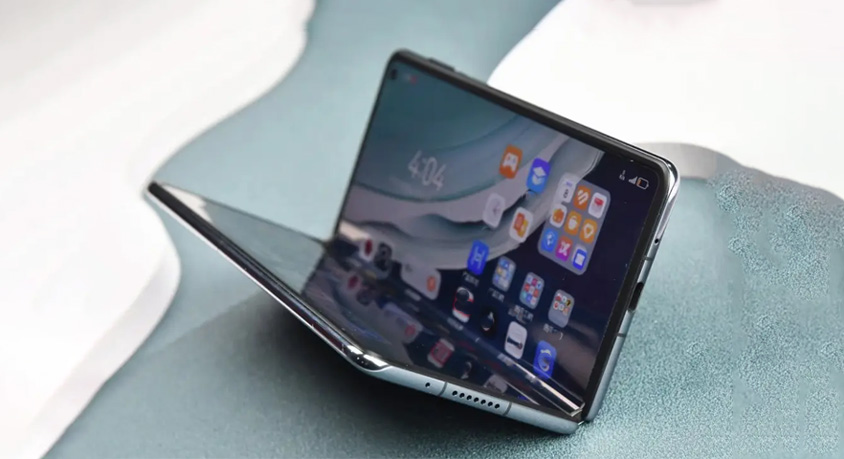
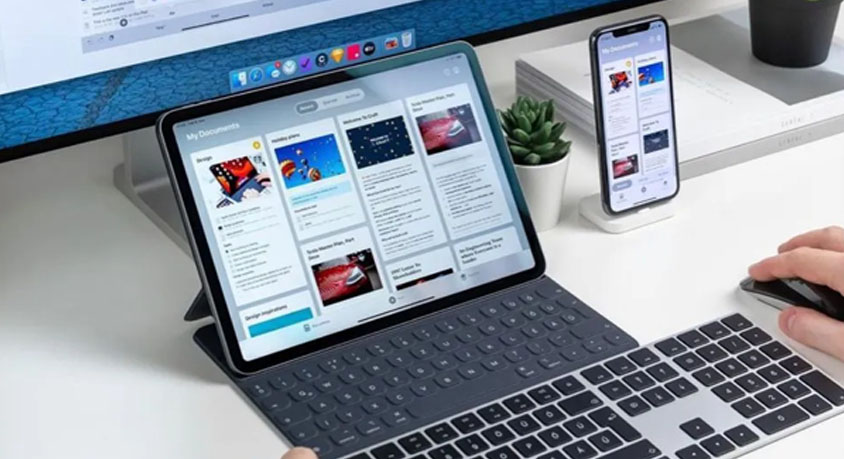
Tablet mode usability is 2-in-1s’ clear advantage. Flipping the screen or detaching the keyboard turns them into tablets, perfect for reading PDFs, annotating documents, or sketching with an active stylus. A design student can jot down lecture notes directly on slides, then switch to laptop mode to edit files—no need for a separate tablet. The 10-point touchscreens and 4096-pressure-level styluses deliver natural handwriting and drawing, reducing eye strain during 2+ hour reading sessions. But tradeoffs exist: detachable keyboards feel flimsy compared to ultrabooks, and the hinge adds thickness (15-18mm vs. ultrabooks’ 10-14mm). Ultrabooks can’t transform—reading or note-taking requires propping the screen, and sketching is clumsy without touch support. They’re built for typing and viewing, not interactive use.
Performance release separates “casual tools” from “professional workhorses.” Ultrabooks dominate heavy tasks: running multiple VMs, video editing, or 3D modeling. Their optimized cooling systems (dual fans, larger heat sinks) let processors sustain 45-65W performance for hours, with minimal throttling. A developer running 3 VMs and a code editor on an ultrabook experiences no lag, while the same load on a 2-in-1 leads to 20-30% performance drops after 30 minutes (due to overheating). 2-in-1s handle light to medium tasks (email, spreadsheets, light photo editing) smoothly, but struggle with anything beyond that. Benchmark data shows a 2-in-1 with a U-series processor takes 25 minutes to render a 10-minute 1080p video, while an ultrabook with a similar-tier chip finishes in 18 minutes—thanks to better heat management.
Mobility in tight spaces (plane cabins, coffee shops) is a mixed bag. 2-in-1s shine in tablet mode: propping them in tent mode on a tiny airplane tray table takes up 30% less space than an ultrabook, and touch controls eliminate the need for a mouse. A business traveler can join a video call while referencing touch-annotated docs without juggling devices. But folded or detached, 2-in-1s are bulkier than ultrabooks—their hinges or detachable keyboards add heft in bags. Ultrabooks’ slim, rigid design fits easily in small backpacks and sits stable on narrow surfaces. Typing on an ultrabook in economy class is more comfortable (sturdier keyboard, better balance) than on a 2-in-1’s detachable setup. However, they require more space to open fully (13-15-inch screens need wider trays), and lack touch flexibility for quick annotations.
Target audiences are clear. 2-in-1s suit creative professionals, students, and trainers: anyone who needs to switch between typing, reading, and sketching. They’re ideal for hybrid work environments where you move from desk to meeting room to café. Ultrabooks are for professionals who prioritize performance: developers, video editors, financial analysts, or anyone running heavy software daily. They’re also better for frequent travelers who value slim portability and reliable typing.